Git development workflow
At SPECFEM++ we follow main-develop workflow. The main branch is always a stable working code and is generally synced with the latest release of SPECFEM++. The devel branch is a stable code with potentially new features which haven’t been released in the latest version of SPECFEM++ yet. If you are contributing to SPECFEM++ then issue your pull request against the devel branch.
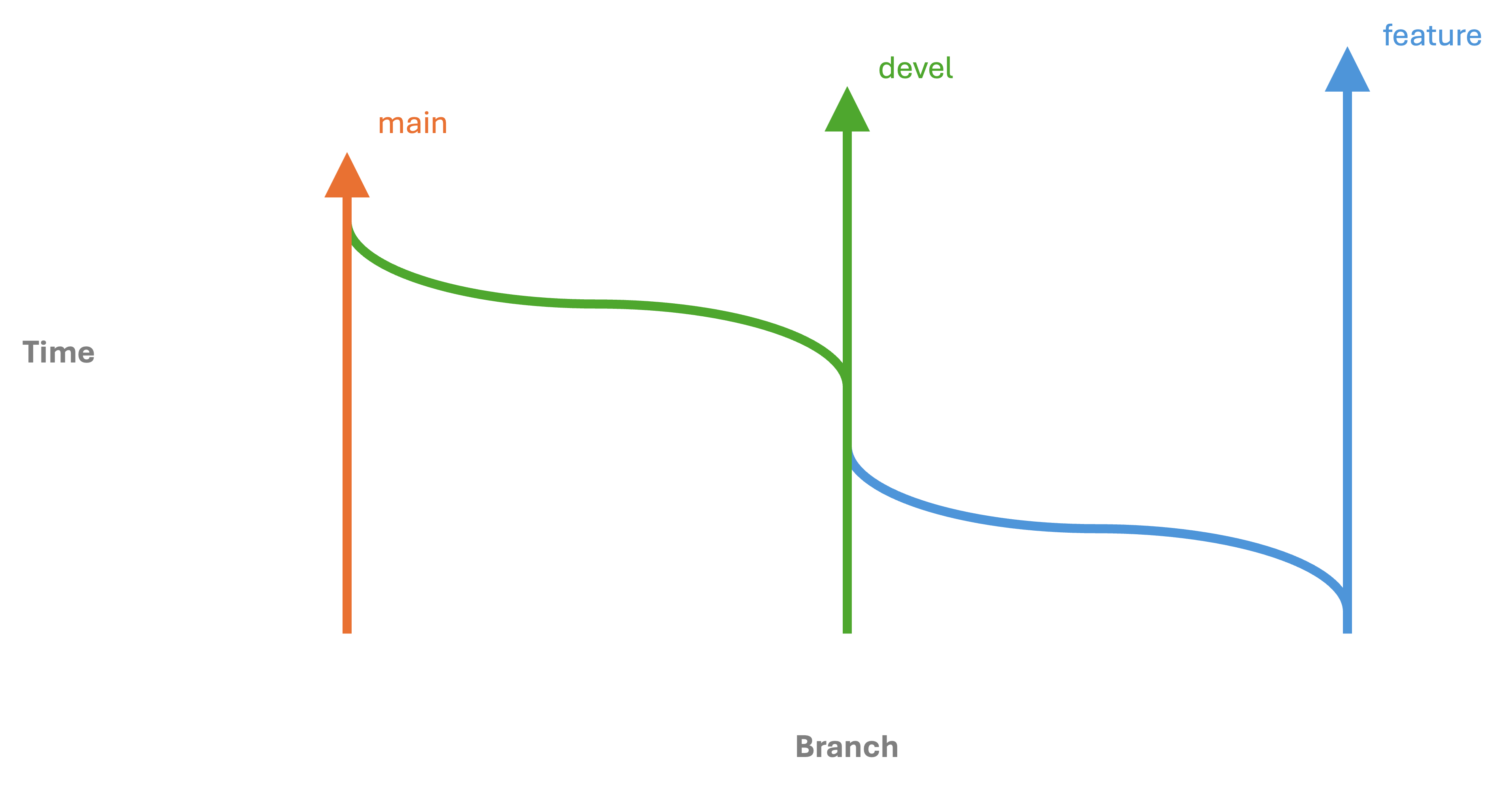
To make a change to SPECFEM++ (This development workflow is similar to the one suggested by github)
Create a fork of the SPECFEM++ repository. This will be your version of the package where you’d make changes which will stay local to your version until you make a pull request against original repository.
Clone your fork locally and checkout to develop
git clone <git link to your fork>
git checkout develop
Note
It is also recommended that you run
uv sync --group devevery time you pull the develop branch. Please check style section for more information on uv.Note
Please also install pre-commit hooks after you’ve cloned repo.
uv
run pre-commit install
will install pre-commit hooks for you.Next create a feature branch against develop branch called a feature branch. Please be explicit while naming the feature branch.
git checkout -b <name-of-the-feature-brach>
Note
If you are working on an open issue from the SPECFEM++, we prefer the name of the branch to be issue-<issue-number>. For example, if you are working on issue number 123, the name of the branch should be issue-123.
Make your contributions inside the feature branch and then commit push them upstream.
git push origin <name-of-the-feature-brach>
Finally, head over to the main SPECFEM++ repo and issue a pull request against the develop branch. Once you’ve issued a pull request one of the maintainers will have a look at the changes, before approving a merge.
Once the pull request is approved and merged, you can delete the feature branch from your fork.
Sometimes, other developers will have made and merged changes before your pull request is merged, resulting in merge conflicts. This will be shown in the pull request. The pull request will show instructions on how to resolve the the conflict on Github directly or you can resolve the conflict locally by following the steps below.